How to Add Items to Your Gallery
the riginals
•
12/22/25
•
Guide
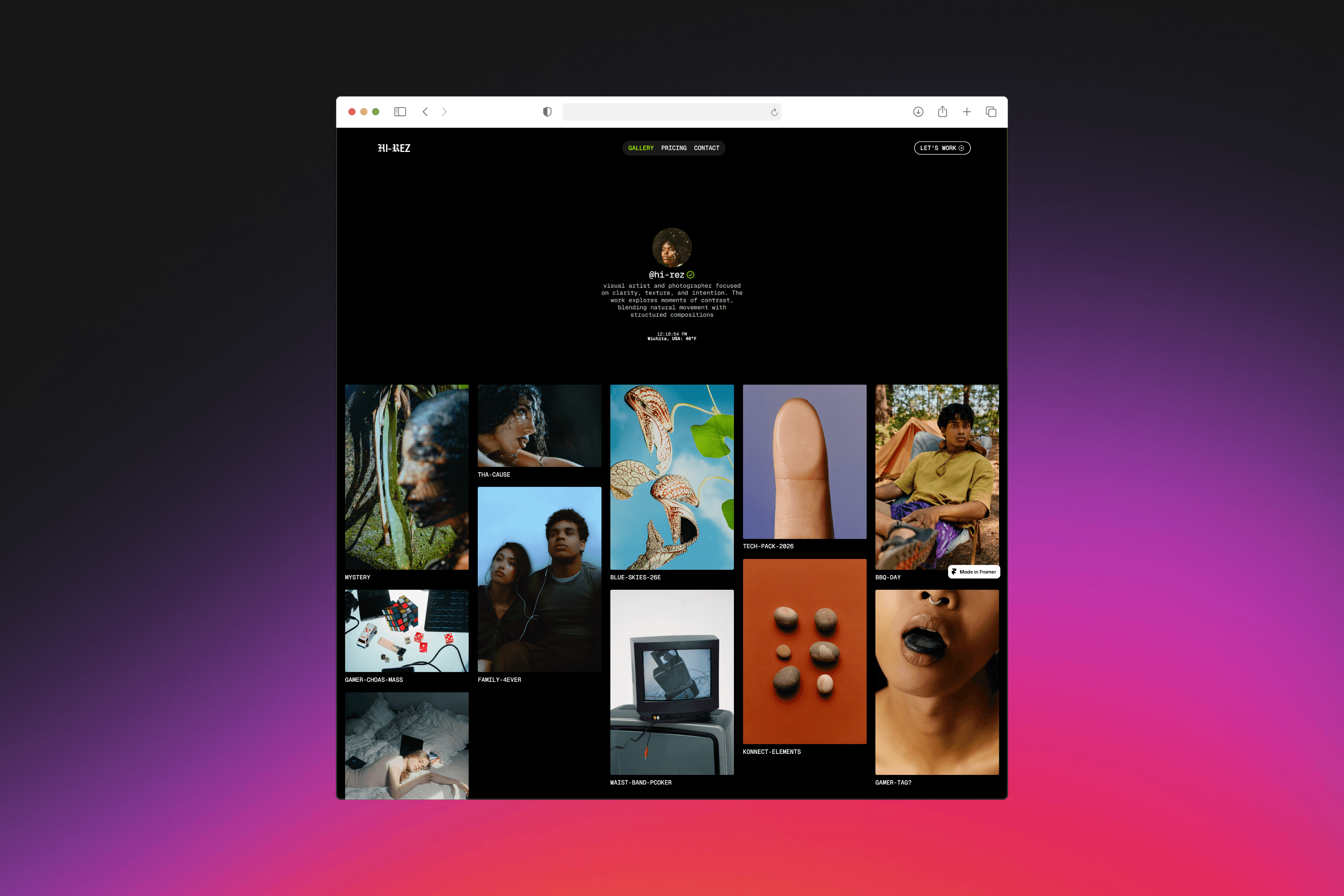
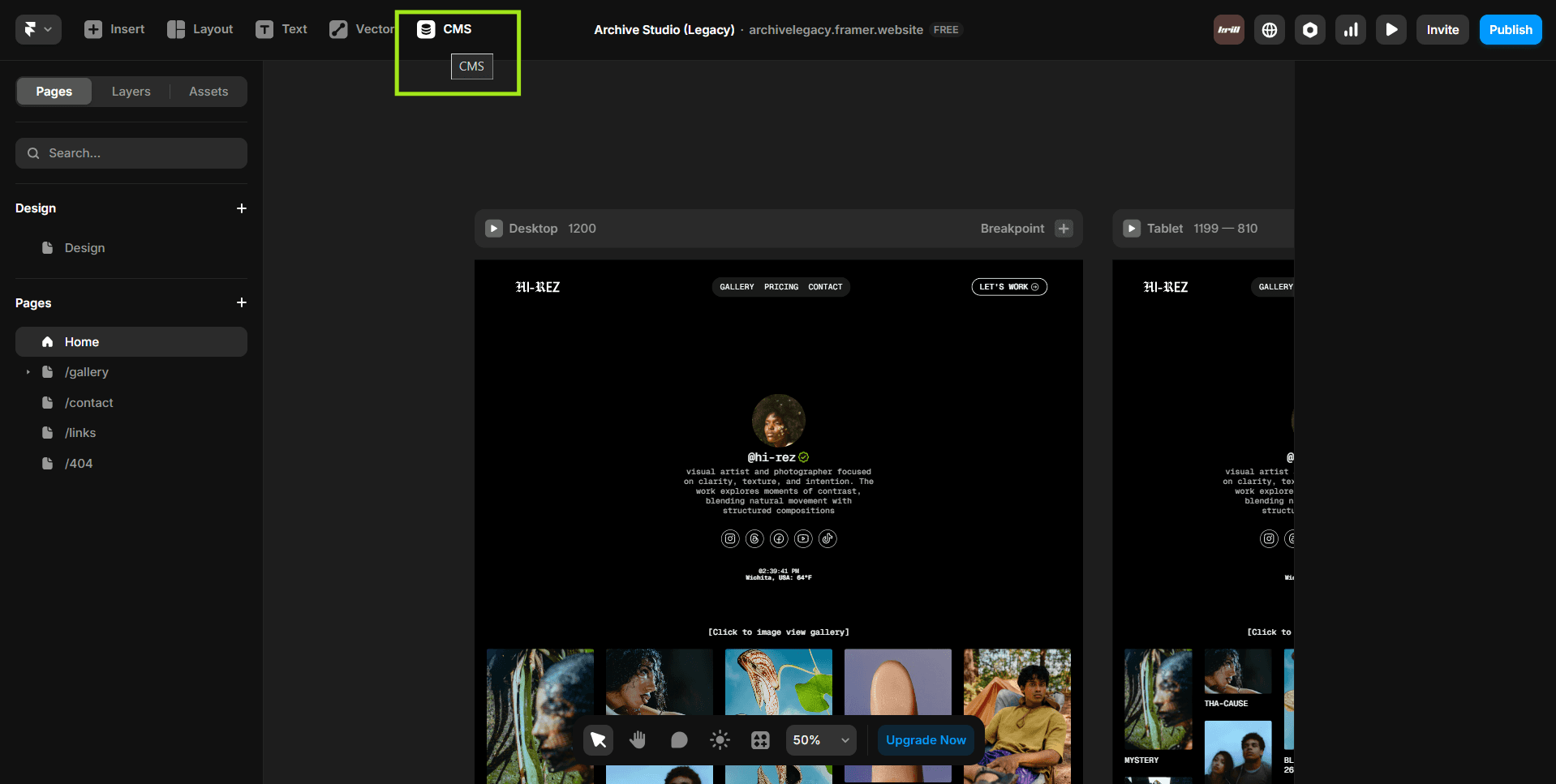
To get to your gallery content click the "CMS" button in the top navigation bar.
Use this for still images.
Steps
Add a Title.
Upload an image in the Image field.
Select an Aspect Ratio, be creative with it and use different ratios.
Upload additional images under Gallery Photos (Image 2–6).
That’s it.
Option 2: Video Cover (Pro)
Use this when you want a video as the gallery cover.
Important
Do not upload an image in the Image field when using a video cover.
Steps
Leave the Image field empty.
Set Video Cover to Yes.
Choose a video source:
Vimeo
YouTube
Direct URL (recommended)
File upload (MP4, under 5MB)
(Optional) Add a Video Thumbnail.
Select an Aspect Ratio.
Upload supporting images under Gallery Photos if needed.
Notes
Uploading both an image and a video will break the layout.
Short videos work best.
4:5 aspect ratio is the most flexible across devices.
When to Use Each
Image cover: Photography, product stills, clean visuals.
Video cover: Motion, short films, teasers, dynamic work.