
Setting up color styles and what they mean
the riginals
•
12/19/25
•
Guide
Color Styles Guide
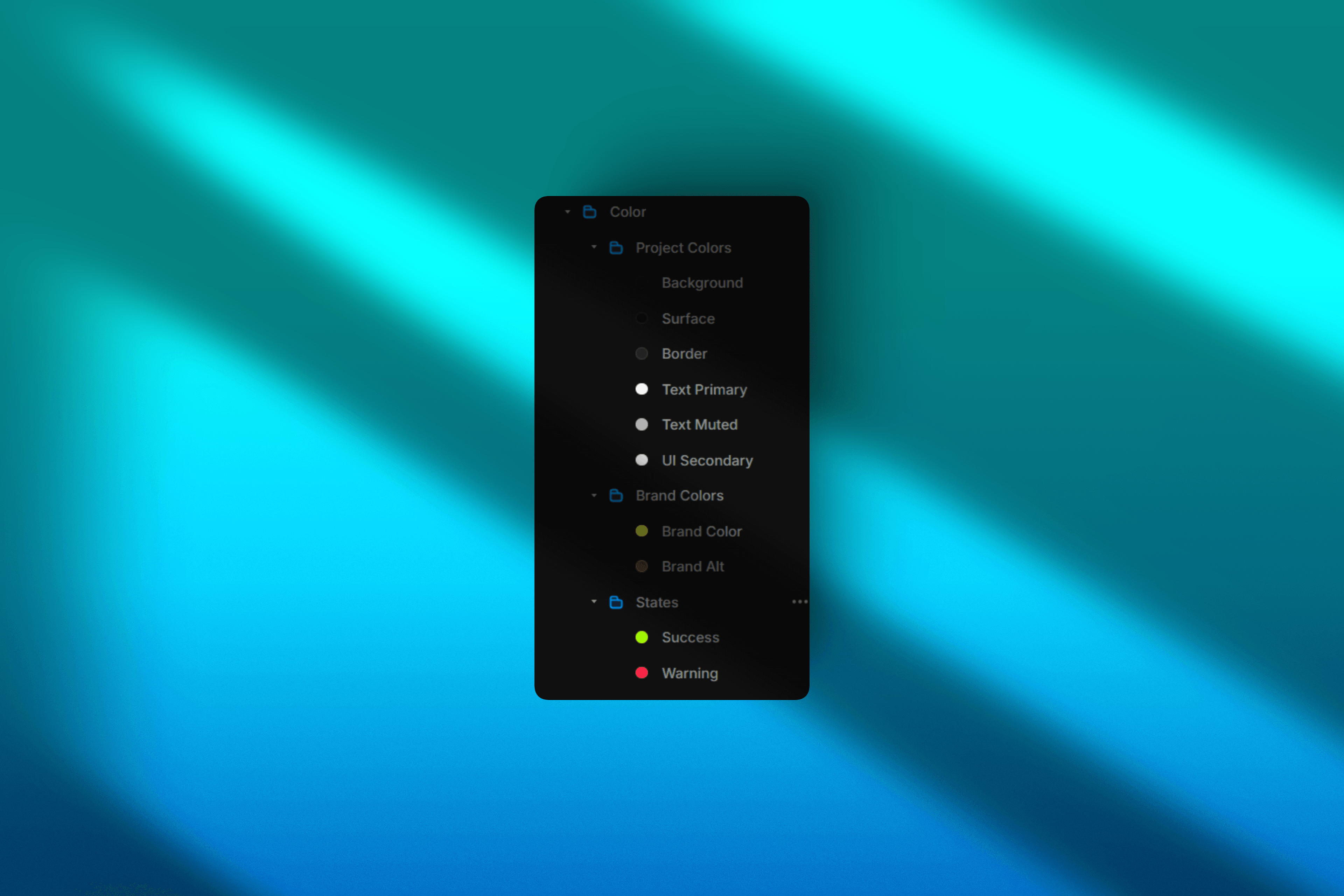
Archive Studio uses a role-based color system to keep your site consistent and easy to customize. Colors are applied globally so changes scale across the entire design without breaking layout or hierarchy.
Project Colors
Background — The main canvas of your site
Surface — Elevated layers like cards and panels
Border — Subtle structure and separation
Text Primary — Main readable content
Text Muted — Secondary and supporting text
UI Secondary — Icons and non-primary interface elements
Brand Colors
Brand Color — Primary actions, highlights, and focus states
Brand Alt — Secondary accents and decorative elements
States
Success — Positive feedback and confirmations
Warning — Alerts and attention states
Usage Guidelines
Always use global color styles
Keep borders neutral
Use brand colors sparingly
Prioritize contrast and readability
This keeps the system flexible, consistent, and scalable as your Archive grows.
Note: Your hover colors are your Brand & Brand Alt colors site wide. Allowing you not to worry about hover states. Customizing hover states is still an option as Framer is a canvas with very little boundaries.