Navigation & Profile Setup
the riginals
•
12/20/25
•
Guide
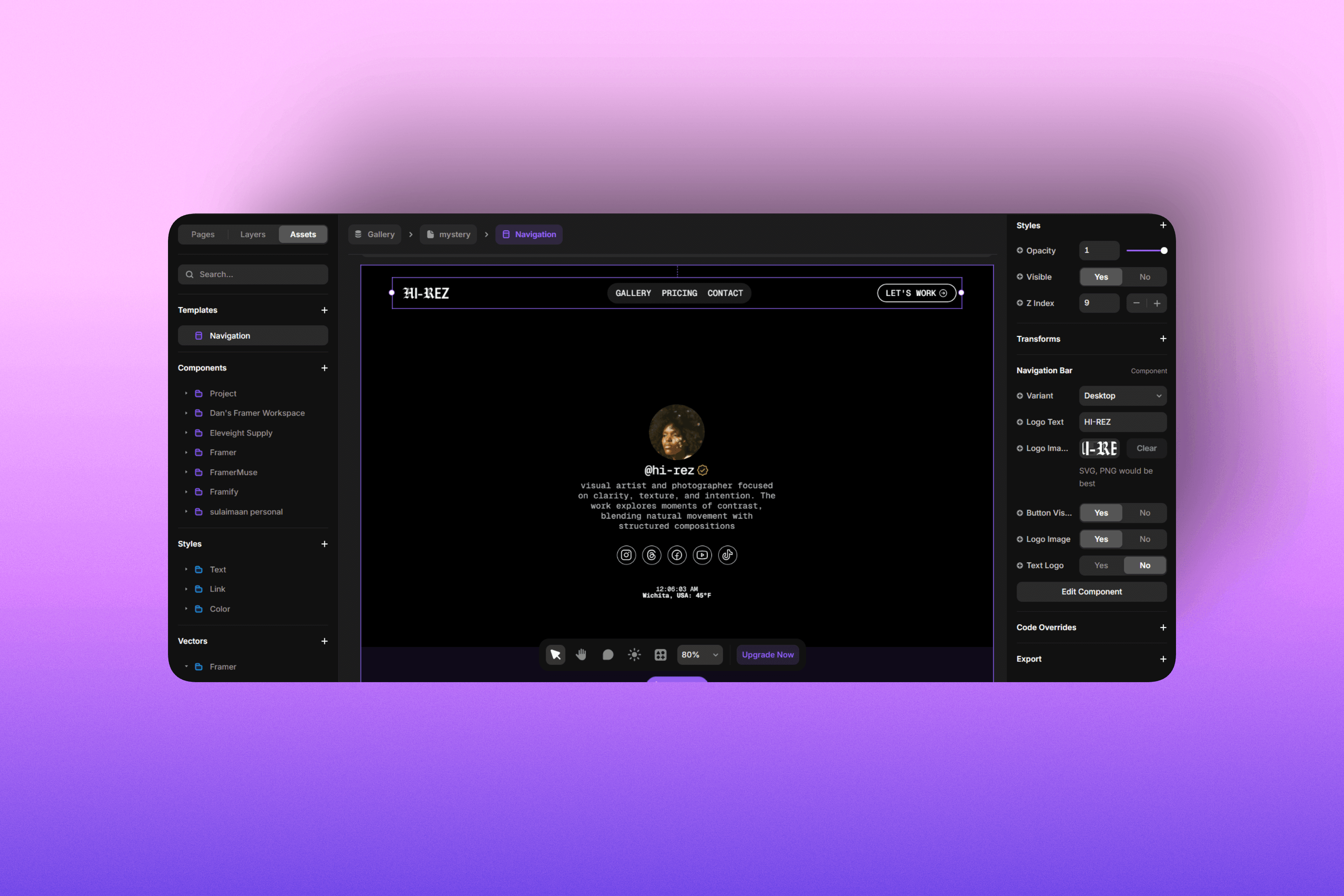
In the top left click on the "Assets" tab. Under template click "Navigation".
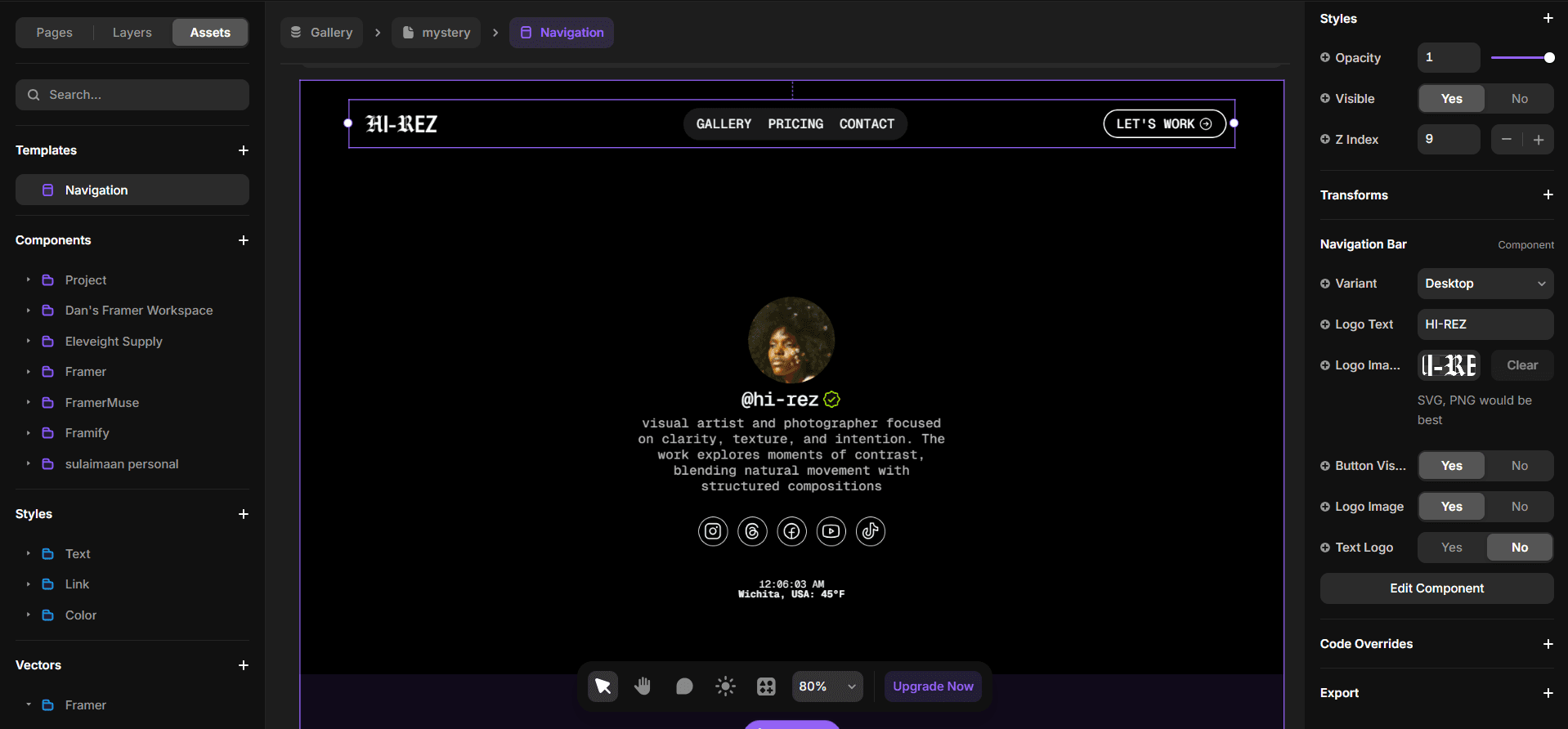
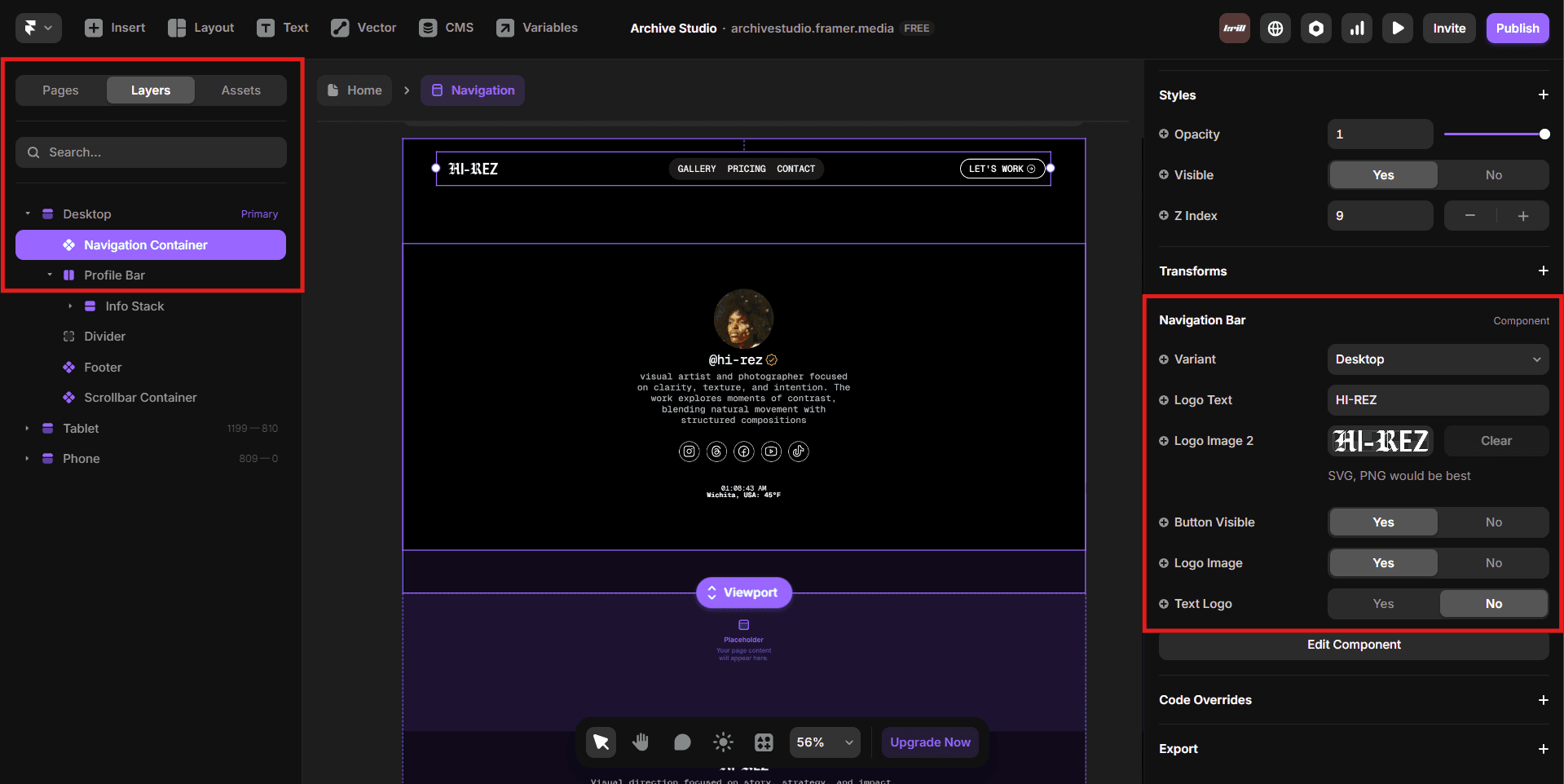
When editing content, it’s easiest to select elements using the Layers panel on the left and adjust text, colors, or styles from the Styles panel on the right.
This approach helps you avoid accidentally moving or misaligning elements while making edits, keeping the layout intact and consistent as you customize your Archive.
Editing the navigation logo is just as easy. You can choose to use a text logo or an image logo. Check your text styles to change the font of your text logo.